
Lumpkin Arrests Without a Feed
Lumpkin County runs no page labeled "24 hour arrests" or "new bookings." What the sheriff offers instead is the official Inmate Check portal. That tool tracks people held in county custody. Its date filters can narrow things toward a recent arrest. Even so, what you see is a custody snapshot. It is not a complete log of everyone arrested in a given day.
The gap matters more than it sounds. An arrest can happen long before booking at the Lumpkin County Jail. Booking is the step where staff confirm identity. They also enter arrest data, log custody details, and photograph when allowed. A short stay can end before you ever search. The sheriff publishes no refresh interval, posting hour, holiday rule, or roll-off period. A blank result proves nothing about whether an arrest happened.
Check Lumpkin Arrests Today
Start narrow and read the roster as a moment-in-time record. The Lumpkin County Sheriff's Office page is the official route to "Inmate Check." That matters, since look-alike directory sites abound. Trust the arrest date the portal displays. The interface makes no promise that this label is a booking time.
- Open the official Inmate Check portal from the sheriff’s page.
- Search by last name, then add a first name if several records appear.
- Use the recent arrest or booking-date controls offered by the current interface.
- Compare the arrest date, held-for agency, release date, and any hold details.
- If the record is absent or unclear, call the jail or sheriff before relying on the result.
The official Lumpkin County Inmate Check screen shows the search setting for this fallback.
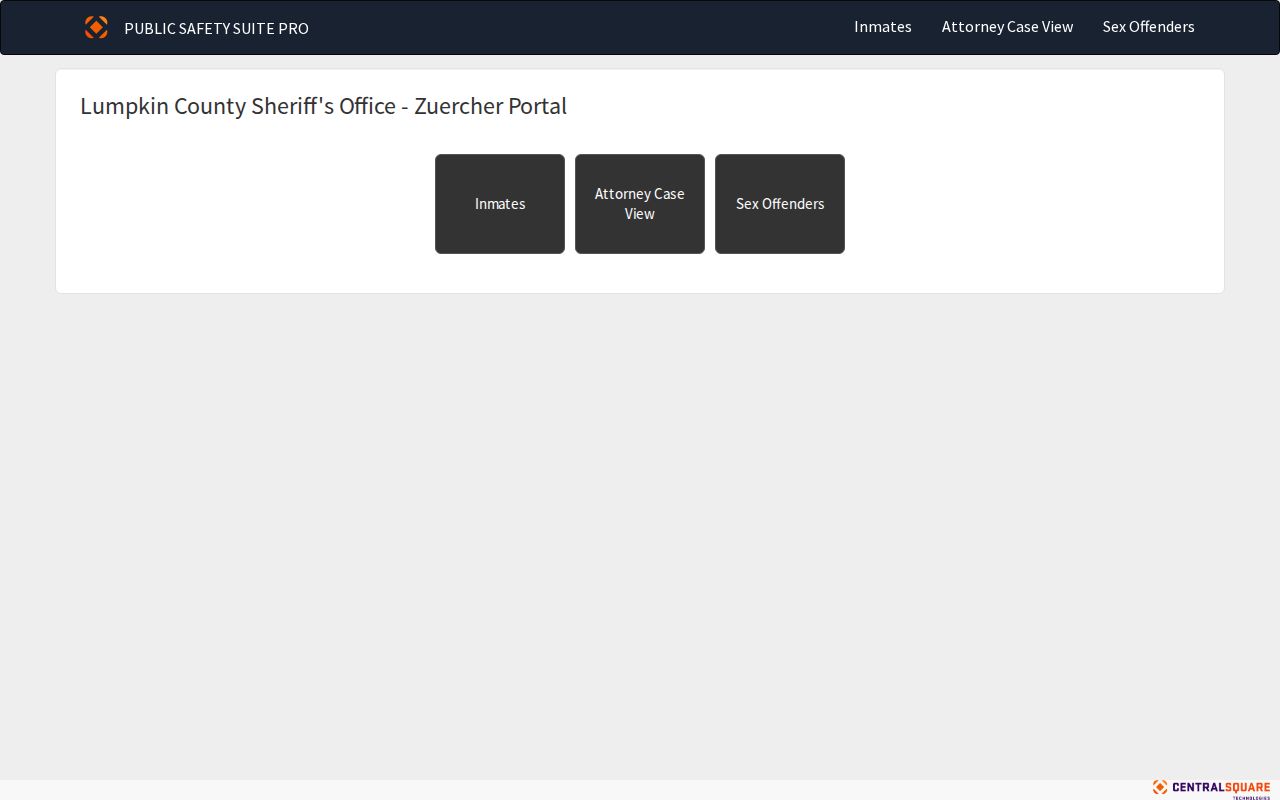
The official portal gives context without a gallery of people. It also makes no promise that each same-day arrest must appear.
If a name shows up, check enough fields to avoid mixing up two similar people. If it does not, think release. Data-entry lag, another holding agency, or a record you must request directly could also explain it. The broader county process for arrest and booking records sits on the Lumpkin County recent arrests hub.
Lumpkin Daily Arrest Fields
The public roster shows only a few fields. A full arrest report or booking file holds more. Booking number, bond amount, court date, or the narrative may exist in the agency record while staying off the public row entirely. These labels appear in the official interface.
| Roster field | What it means |
|---|---|
| Mugshot | An image may display, or the portal may state “No Image Available.” |
| Name | The name attached to the displayed custody entry; confirm identity with official records. |
| Race, sex, age | Descriptive fields that can help separate similar names but are not proof of identity alone. |
| Arrest date | The date labeled by the portal; it should not be reworded as an exact booking timestamp. |
| Held for agency | The agency associated with the custody entry. |
| Release date | A custody-status field, not the outcome of the court case. |
| Hold reasons | Detail shown when present; it can change as custody status changes. |
A missing image tells you little on its own. The photo may be restricted, unsynced, or simply not attached. Georgia law limits how booking photographs get published. It also limits how they are released. So the portal's conditional image slot is never a promise of a photo per arrest.
When Lumpkin Bookings Appear
Nothing from the county says bookings post instantly or on a set schedule. A person arrested in Dahlonega moves first through transport, identification, intake, and data entry. Then the public system syncs with the jail record. Each step opens a gap between the event and the online row. Release-status changes open another one.
Weekends and holidays bring no published exception. Claiming a faster weekday cycle would be pure guesswork without an official statement. Treat the portal as current when you search. It is no certified ledger of every arrest in the past 24 hours.
The sheriff's Community Communications page links the county's official social accounts. Those give updates and press releases. The accounts are not booking feeds. The sheriff lists no jail app either, so a generic sheriff app is no substitute. The official sheriff route to county services appears on the source page below.
That official landing page is the sound starting point when saved links or third-party results leave you unsure.
Note: A social post may describe an investigation, but it does not establish the complete roster status of everyone involved.
Confirm a Missing Lumpkin Arrest
Layer your fallbacks when a recent name is missing. Search the roster with fewer filters first. Check the spelling too. Then call the Lumpkin County Jail at 706-864-0412 for a facility question. The sheriff's main line at 706-864-0414 handles routing. Staff can point you to the right channel. A call never replaces a written record.
For proof on paper, file the LCSO Open Records request form. It covers arrest reports, inmate information, and dispositions. Include a name, a date range, the record type, and contact details. The county records contact is Christina Wise, Open Record Specialist. Reach her at 706-482-2634 and christina.wise@lumpkincounty.gov. An older FAQ carries a former surname, so let the current county page control. The official sheriff records form lays out this request route. It covers details the public custody row leaves out.
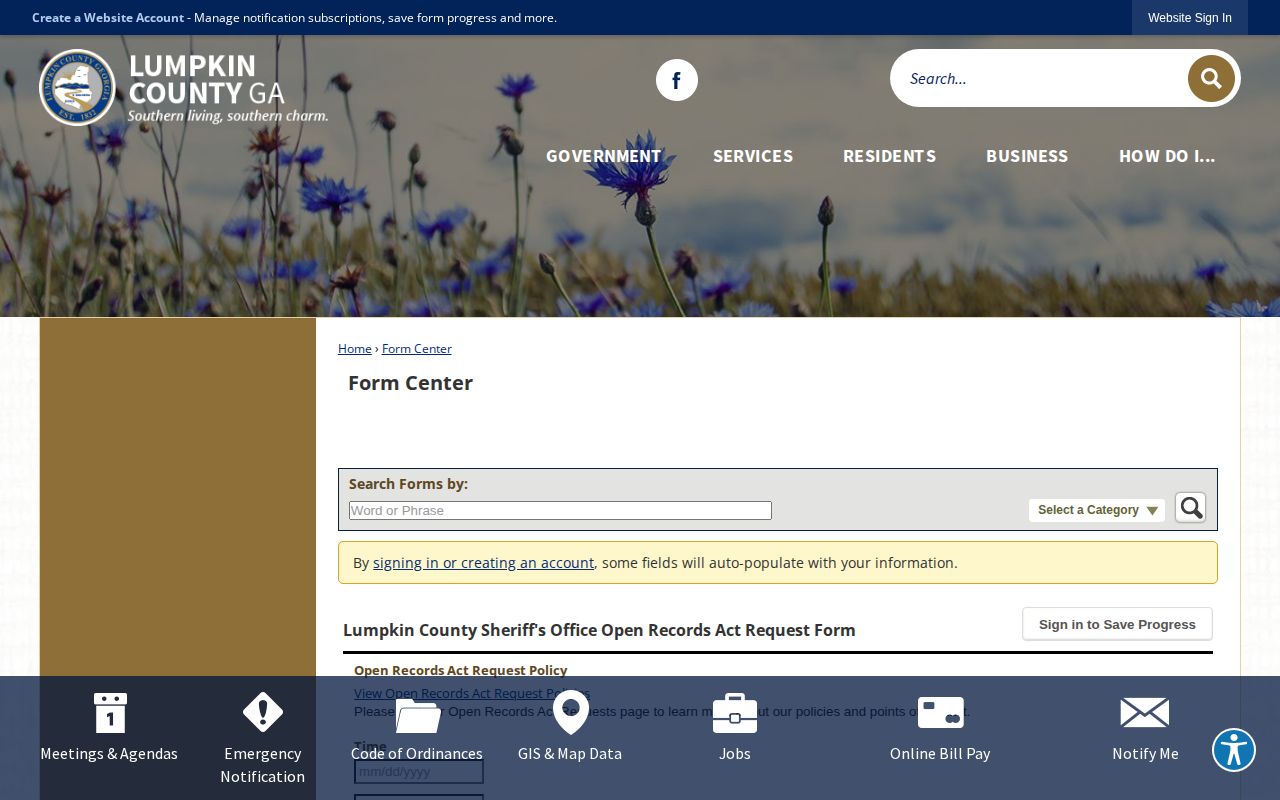
The form is the documentary fallback for a booking record or disposition request, within lawful access limits.
Lumpkin Arrest and Custody Changes
Not every name on a Lumpkin County roster means the same thing. Someone just arrested may still be mid-booking. The jail record has not caught up yet. "In custody" tells you the roster shows that person in the jail right now. "Released" means the county let go of them. LCSO may still hold the arrest report itself. A sentence can send a person to state prison. Then Georgia DOC takes over, not the county's same-day view.
- Booking
- The jail intake process that creates the custody record.
- Hold
- A reason shown for continued custody or another agency’s interest.
- Release
- The end of the displayed county custody period, not a court finding.
- Disposition
- The later court result, such as dismissal, plea, acquittal, or sentence.
VINELink sends custody alerts when the jurisdiction reports them, yet it can trail a fresh Lumpkin booking. It offers no booking photos. The VINELink Inmate Check walks through the Georgia search and alert path for a named person.
Lumpkin Arrest Charges Are Accusations
A Lumpkin booking charge simply records what officers alleged at that stage. It can be reduced or dropped later. It can end in a plea, a trial, or another lawful outcome. The court file tells that story. The roster entry does not.
For the paper trail, the Lumpkin Superior Court Clerk keeps criminal files, while Georgia's court-access directory and PeachCourt open other routes to case material. Custody now and final outcome answer different questions. Keeping them apart keeps both answers honest.
Public Record Search
Sponsored Results